Create in minutes
Vanilla, Paper, Purpur, Folia, Fabric, Quilt, Forge, NeoForge or a modpack from Modrinth or CurseForge. The right Java image is picked for you.
Open source · MIT · self-hosted
Create, start, update, back up and uninstall servers built on itzg/docker-minecraft-server, including Modrinth and CurseForge modpacks. One Go binary, around 10 MB of RAM, no database.
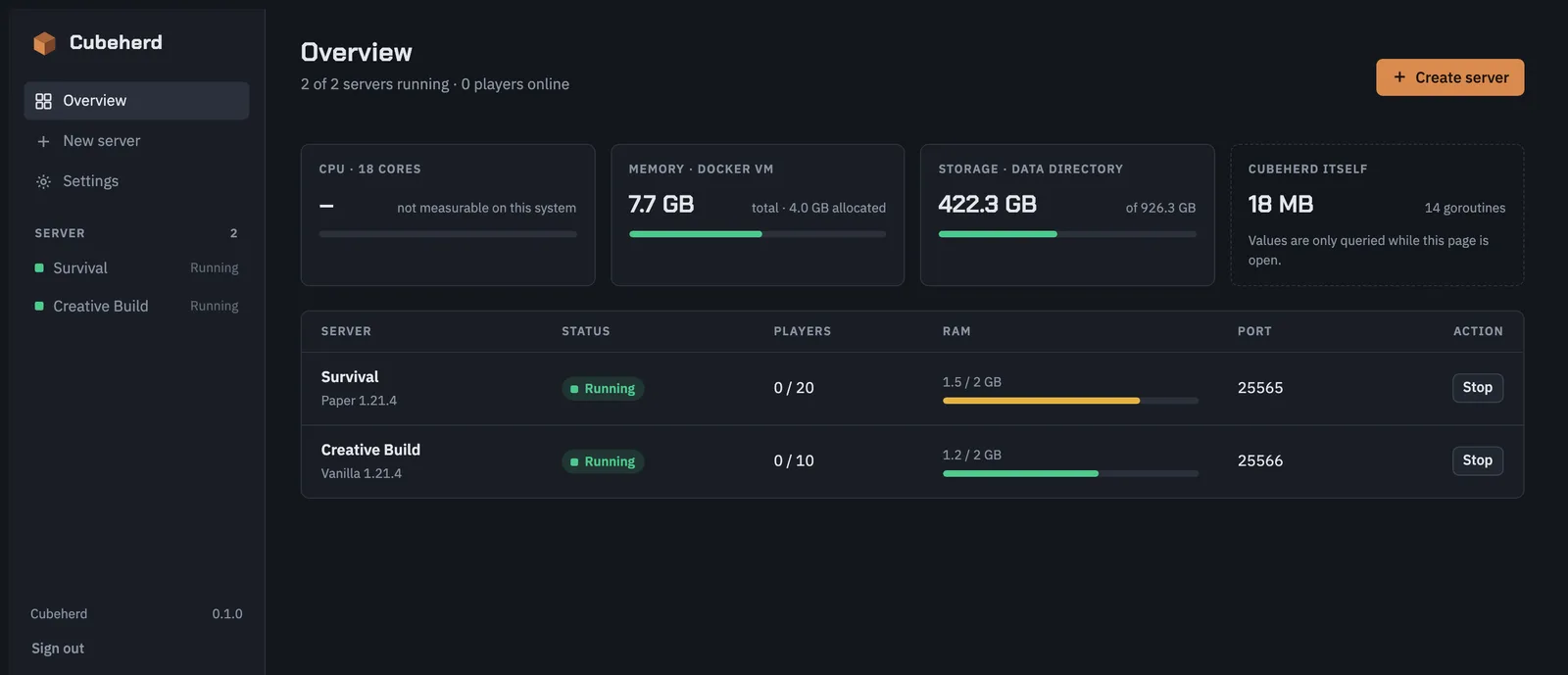
Cubeherd runs next to your servers and takes next to nothing from them.
Vanilla, Paper, Purpur, Folia, Fabric, Quilt, Forge, NeoForge or a modpack from Modrinth or CurseForge. The right Java image is picked for you.
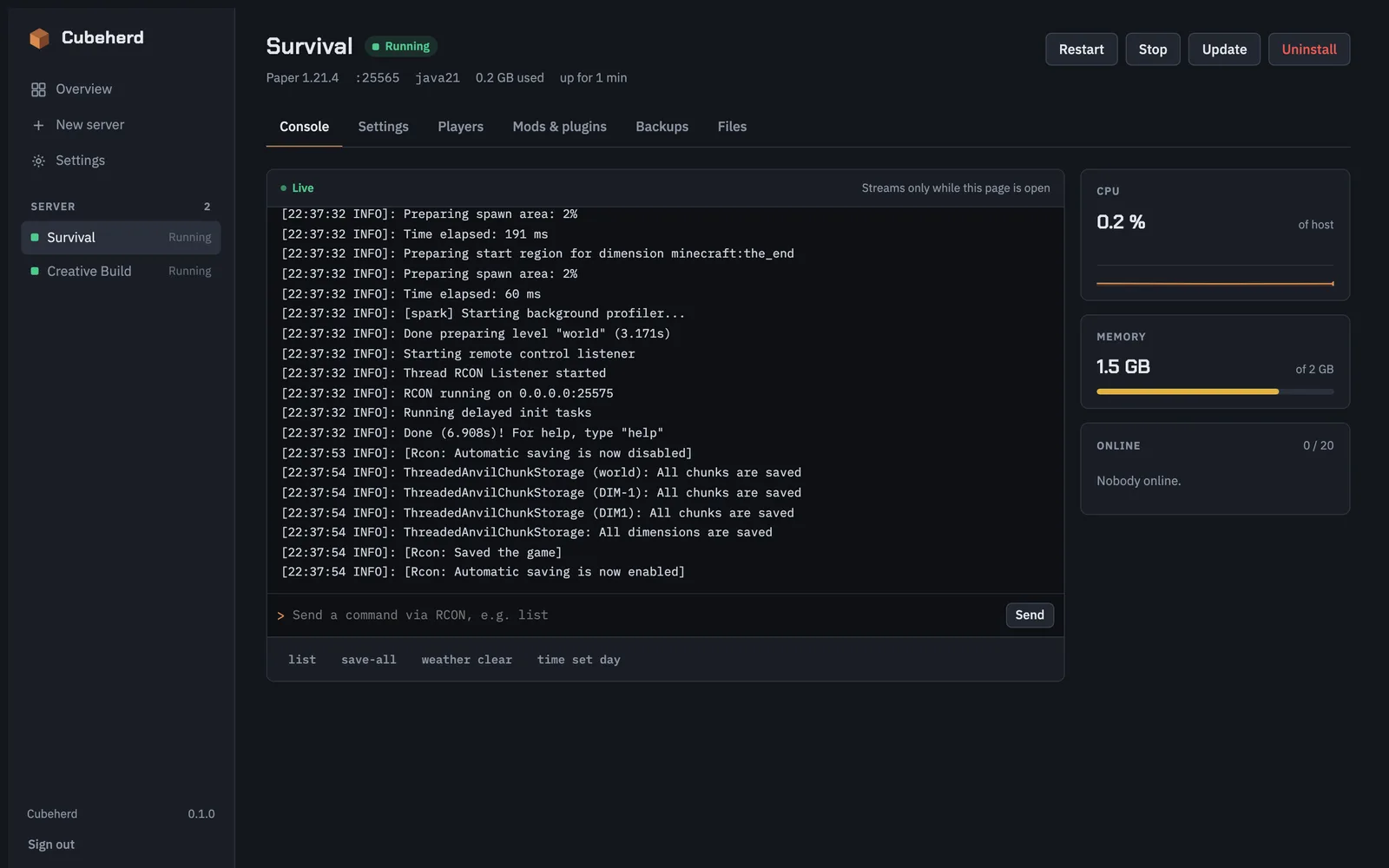
Run commands over RCON, watch logs stream in, and see CPU, RAM and online players while a page is open.
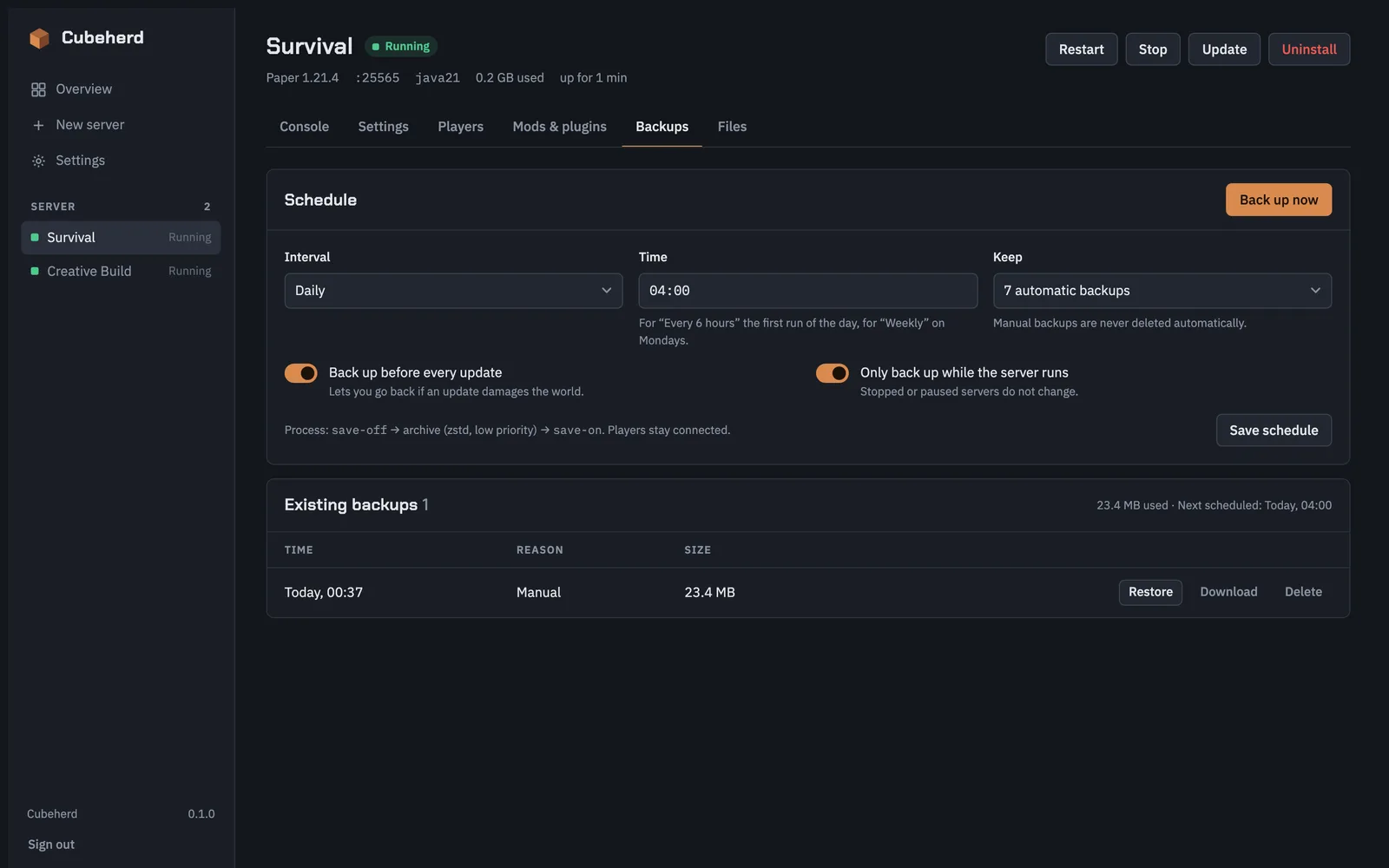
Manual, scheduled and automatic before every update. Restore or download them, or ship them to S3-compatible storage.
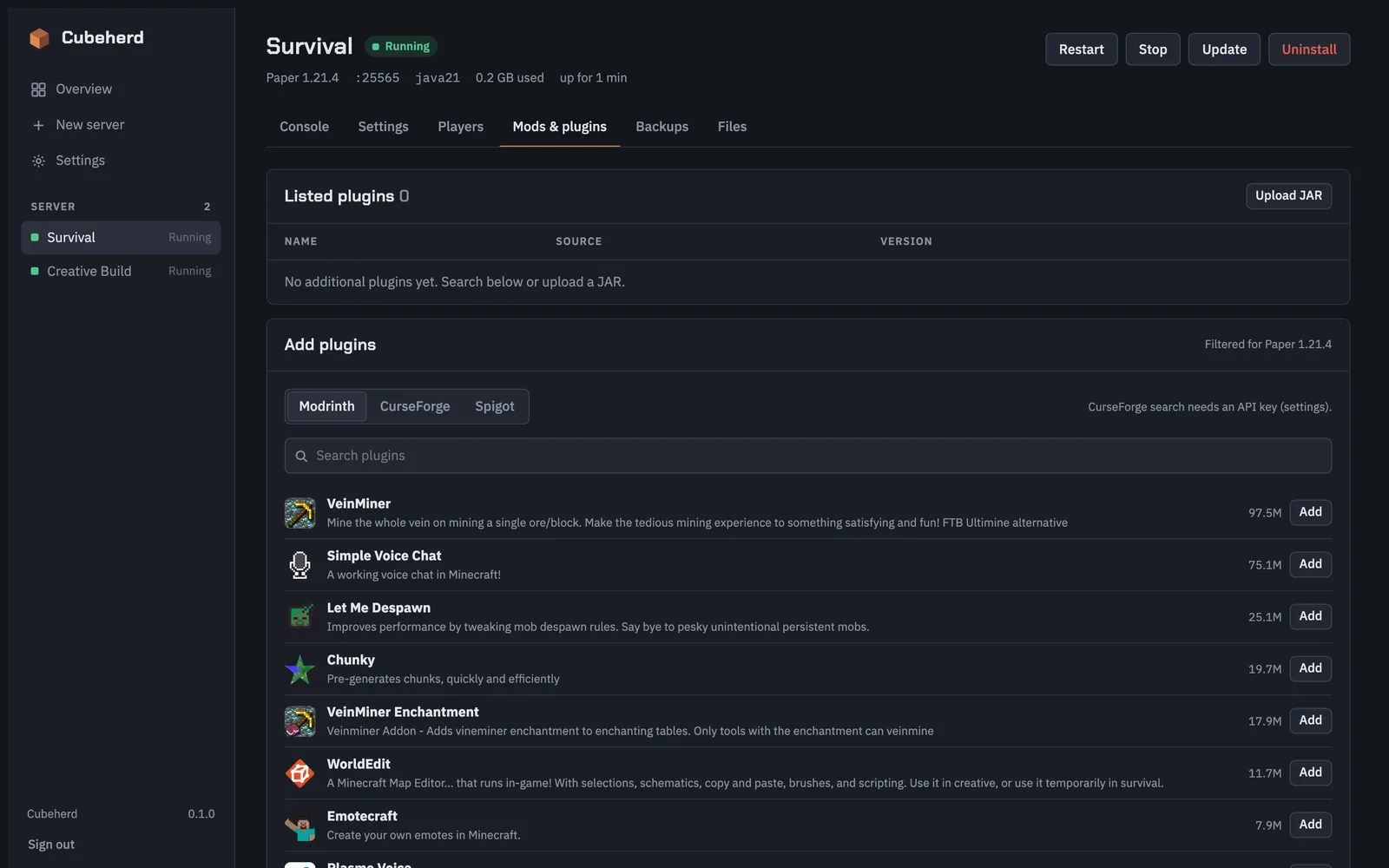
Search Modrinth, CurseForge and Spigot, add and remove entries, or upload your own JARs. Works on top of modpacks too.
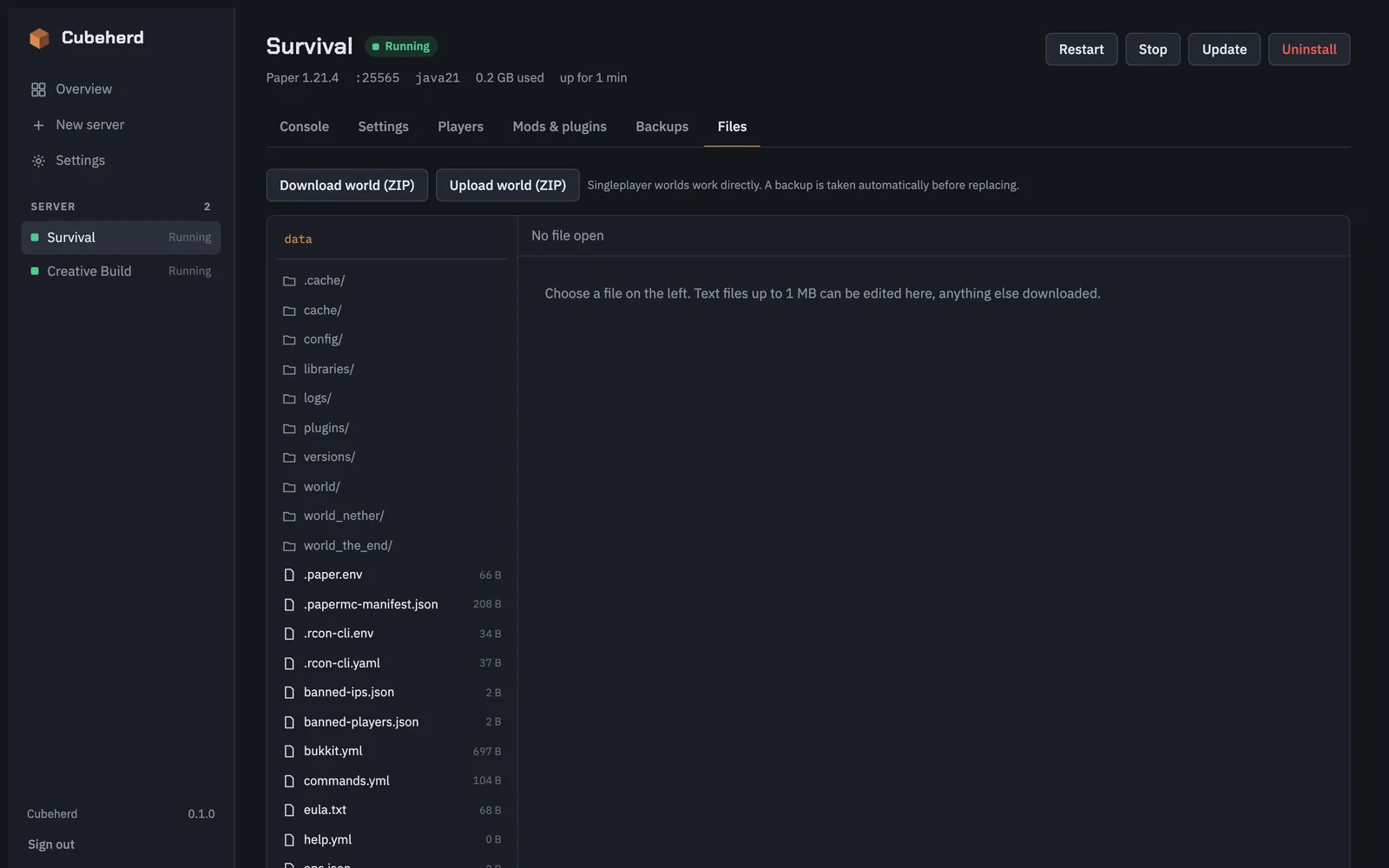
Browse, edit, upload and download server files. Export a world as a ZIP or import one.
Move to a new Minecraft version, modpack version or itzg image without touching a terminal.
Pause or fully stop servers when nobody is playing, and cap CPU per server.
Manage the whitelist, operators and bans from the browser.
Each server is a plain compose.yml in its own folder. Uninstall Cubeherd and your servers keep running.
Requires Docker with the Compose plugin on the host.
docker run -d --name cubeherd --restart unless-stopped \
  -p 8420:8420 \
  -v /var/run/docker.sock:/var/run/docker.sock \
  -v /srv/cubeherd:/srv/cubeherd \
  -e CUBEHERD_DATA=/srv/cubeherd \
  ghcr.io/matserix/cubeherd:latest
Open http://<host>:8420 and set the admin password on first visit. See the full installation guide for Compose and binary installs.
Only expose Cubeherd on your LAN or via VPN. Whoever can operate it controls Docker, and in practice the whole host.
Cubeherd is a self-hosted web dashboard for itzg/docker-minecraft-server. It creates, starts, updates, backs up and uninstalls Minecraft servers, including modpacks from Modrinth and CurseForge, from one browser tab.
Cubeherd is a single Go binary that needs around 10 MB of RAM and 0 % CPU when idle. It has no database and does no background polling: live data such as the console, CPU and RAM only flows while a page is open.
Vanilla, Paper, Purpur, Folia, Fabric, Quilt, Forge and NeoForge, plus modpacks from Modrinth and CurseForge. The matching Java image is derived from Mojang's version data.
Yes. Cubeherd can adopt existing itzg/docker-minecraft-server containers. Every server it manages lives in its own folder as a plain compose.yml, so it keeps working with docker compose even without Cubeherd.
Yes. Backups can be manual or scheduled, run automatically before updates, and can be restored or downloaded. They can optionally be uploaded to S3-compatible storage such as AWS S3, Backblaze B2, Hetzner, Wasabi, Cloudflare R2 or MinIO.
No. Anyone who can operate Cubeherd controls Docker and therefore, in practice, the whole host. Keep it on your LAN or behind a VPN. It has a single bcrypt-protected admin account, signed session cookies, login throttling and CSRF protection.
Yes. Cubeherd is open source under the MIT license. It is not an official Minecraft product and is not affiliated with Mojang Studios or Microsoft.